Top 10 Clothing on Model AI Generators Make On-model Images from Flatlays with Ease |
How Easy Is It to Create Realistic On-Model Images from Flatlay Images Using AI
If you deal with Marketing for clothing items or any similar field, you will most likely have seen ads on your phone about one click on-model image creation from flatlay photos. Maybe you have even received some direct Marketing e-mails from companies offering this service. Well, so have I, and I was very curious about these services and decided to go ahead and test them with the same image and check how they compare to more involved image generation that we usually use.
I shortlisted 10 services that have been advertised to me on my phone, to our company e-mails, and a few suggestions that Google's AI search bot made when I searched for the best flatlay to on-model photo services. Let's do some tests. For our in-house AI image generation, we use various models, strategies, and tests for creating an image, before achieving the results that are acceptable, so it will be interesting to see what these services offer.
Disclaimer: 360Refinery is not related to any of the below companies and services reviewed below. We have not received any compensation for this articlebelow, it is done purely out of our own interest. The reviews are only of the Free versions
Here are the services we will explore (they are in no particular order):
1. Claid.ai
2. Botika.io
3. Modelia.ai
4. WeShop.ai
5. X-Design
6. Uwear.ai
7. Blendnow.com
8. Hautech.ai
9. Whatmore.live
10.
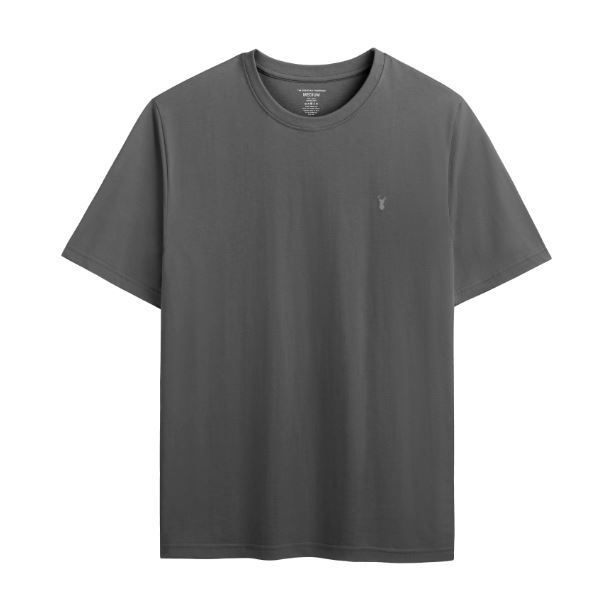
For our control image, we will use this grey t-shirt.
1. Claid.ai
The first service we will look at is clad.ai that claims to be able to produce pro-quality product photos in seconds. Sounds promising. The website provides a clean interface, where you upload your image and then there are various options like. The first thing I notice is that the website asks me every 2 seconds to verify that I am not a robot, and I am not even using a VPN, and this kept happening during the whole time I spent on the website, which is annoying. I imagine they are doing this because the service gets abused by bots, but still, not a great user experience.
Process: For the test, I uploaded the grey t-shirt and selected a pair of jeans from the ones they offer. Then I was presented with a selection of about 20 models, of which I also chose one.
Controls: You can select the aspect ratio and the number of images you want to
Prompt: "photo of man wearing t-shirt and jeans in the desert highway next to his car"
Result:

The image looks alright, for the simple prompt that I used, but the textures aren't great, even after I applied the website's upscale option. There are no textures on the skin, fabrics, and the road texture looks very fake.
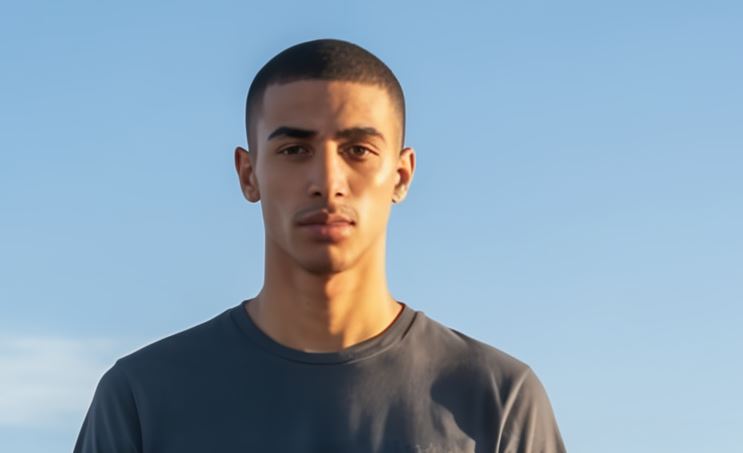
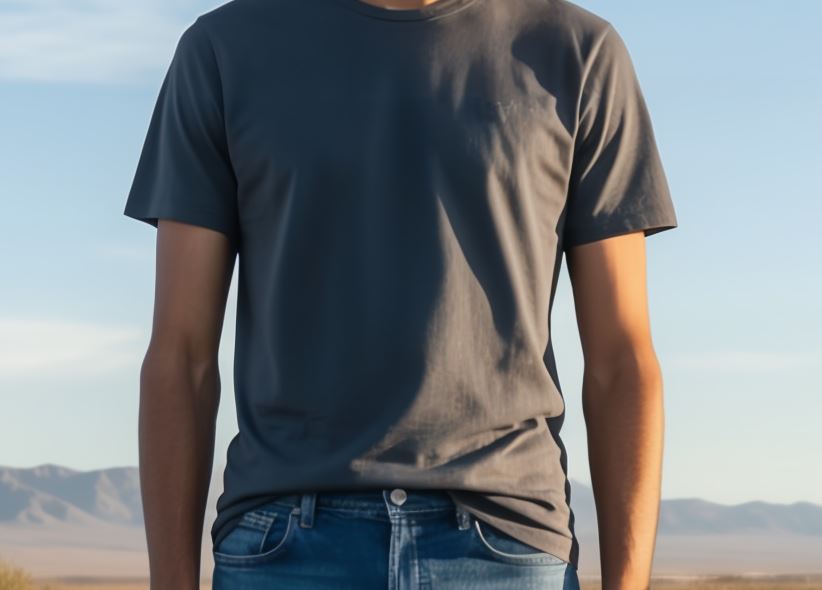
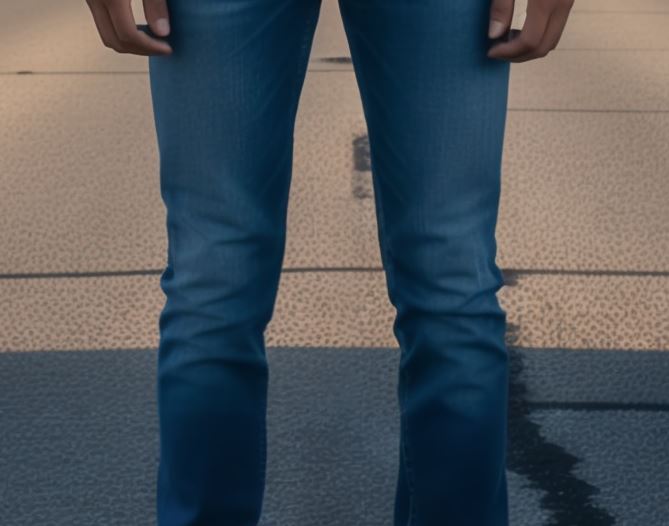
Test 2: I decided to change the prompt a little bit to ask the AI for a more realistic texture, but the result wasn't improved at all. The textures are bleak and the face not symmetrical. The image can only be used without providing any zoom options.
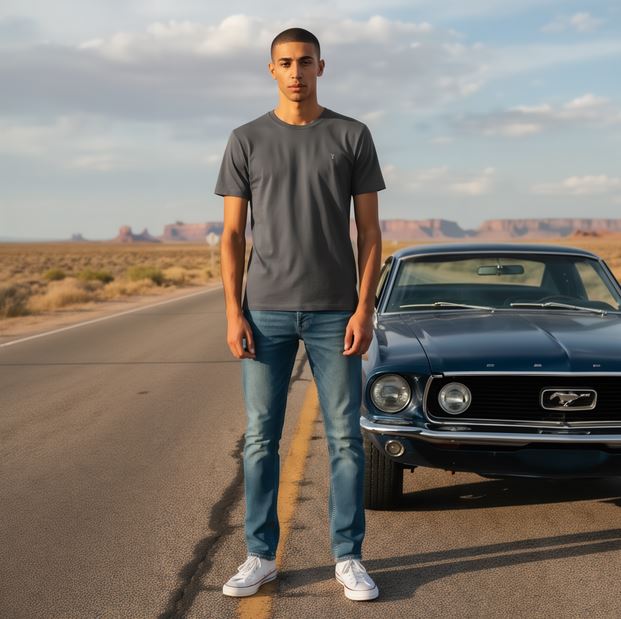
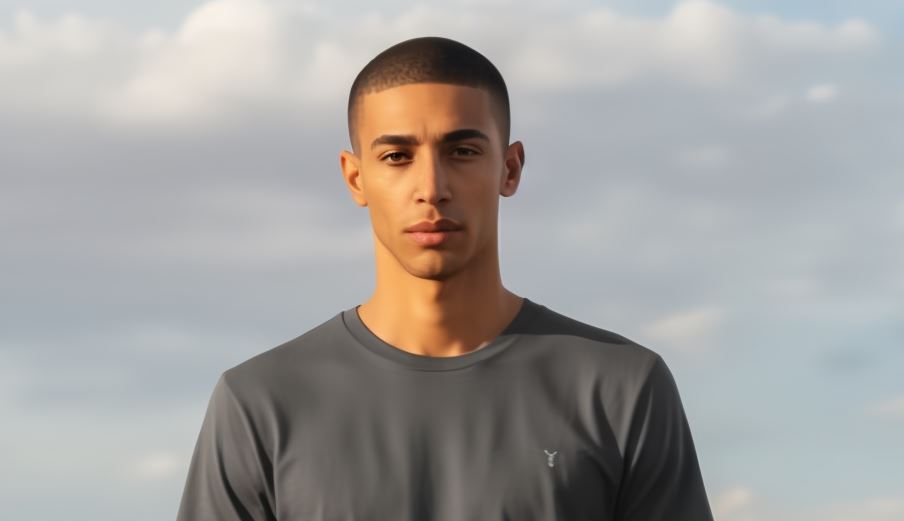
Pricing: Claid.ai has a free trial option (what I used). Then if you subscribe, the pricing per generation is $0.05 - 0.06 (this of course doesn't account for the time you will spend using the platform.
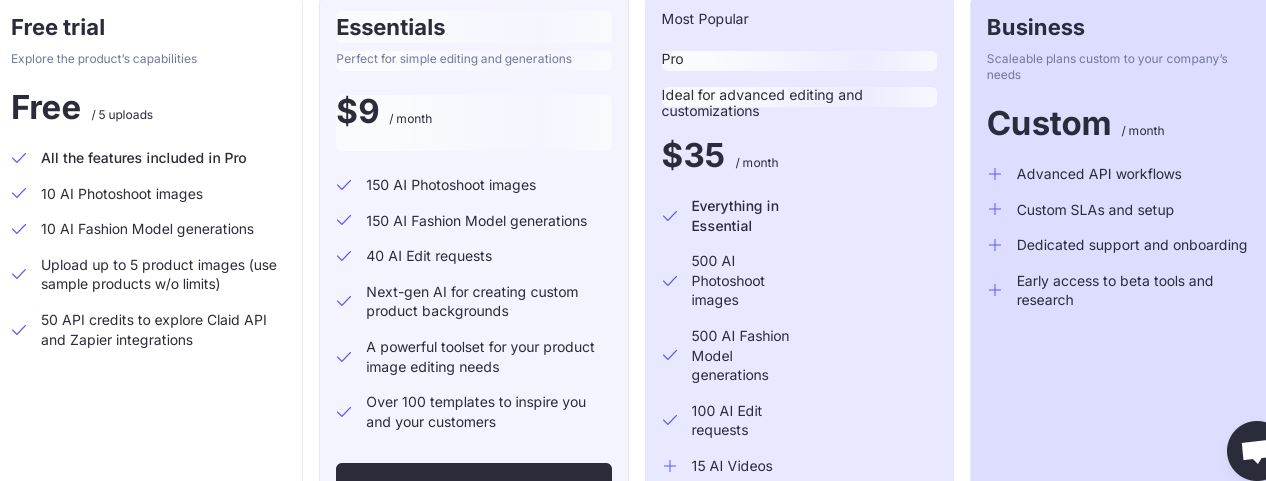
Verdict: This service is template based, with limited control options, limited templates and older ai models that lead to low quality of the image generation relative to price. Additionally, the image generation is slow and the contact popping up of the "verify you are a human" check doesn't make for a great experience.
For people who are interested in exploring AI generation without going too deep into how it works, this could be a great cheap option. Here you are paying for the platform that makes it super easy to generate an image.
2. Botika.io
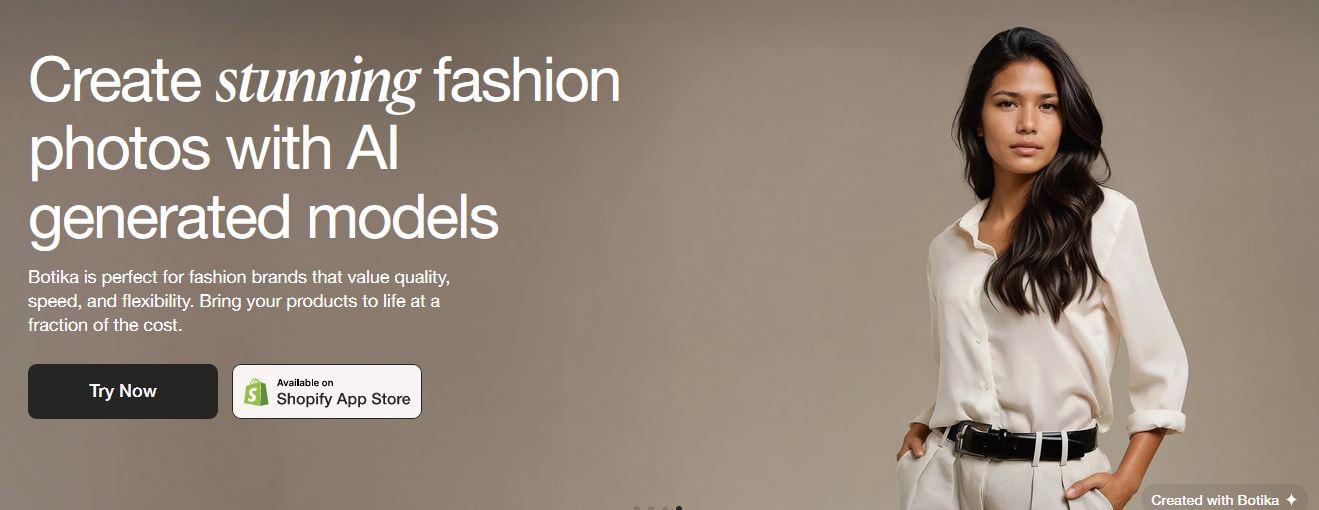
This next service aims to help you "create stunning fashion photos with AI generated models". The images on their homepage look very promising. I was very excited to try this service.
Process: The process is very similar here. You upload a photo of your product (you can select front and back) and also need to upload the clothes you want to pair it with, so if it is a top, you need to also upload bottoms, and vice versa. The footwear can be selected from their gallery. There are also some about 20 models I was able to choose from.
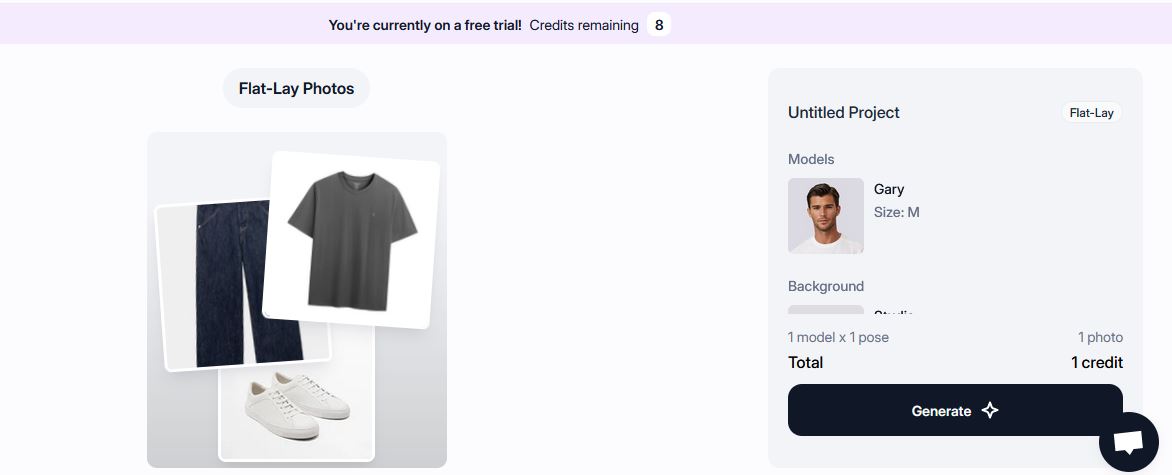
Controls: You can choose the model, the post you want, and the background. There is no way to control the emotions of the model on the image.
Prompt: There is no option to write a prompt, the service is plug and play only.
Result: I uploaded the control image of the grey t-shirt, as well as a random pair of jeans I selected because there is no way to generate anything, you have to upload it. Then the system started working and it said it will take about 6 minuted to generate the image. Now, I am a very patient person, but as someone who does a lot of AI image generation and testing, 6 minutes is absolutely outrageous! Anyway, I left the tab and did other things, and came back to it in about 20 minutes and the Botika screen said there were still a few minutes left. At this point, I actually went outside for a meeting, then returned to my computer after about 3 hours, looked at the screen and it said "1 new image". I was really excited to see the result and clicked on it. This is what I got:
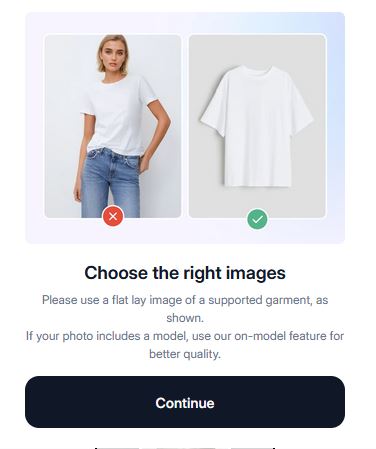
Yes, even though the image I uploaded is shot in a very similar way to the image they use as example, it was not accepted. I tried with a few other images (all professional on white flatlays), and got the same result. This was all very frustrating. Maybe other people had more luck...
Pricing: Botika.io has a free trial option (what I used). Then if you subscribe, the pricing per generation is around $1 depending on your subscription. This includes 2k resolution and .
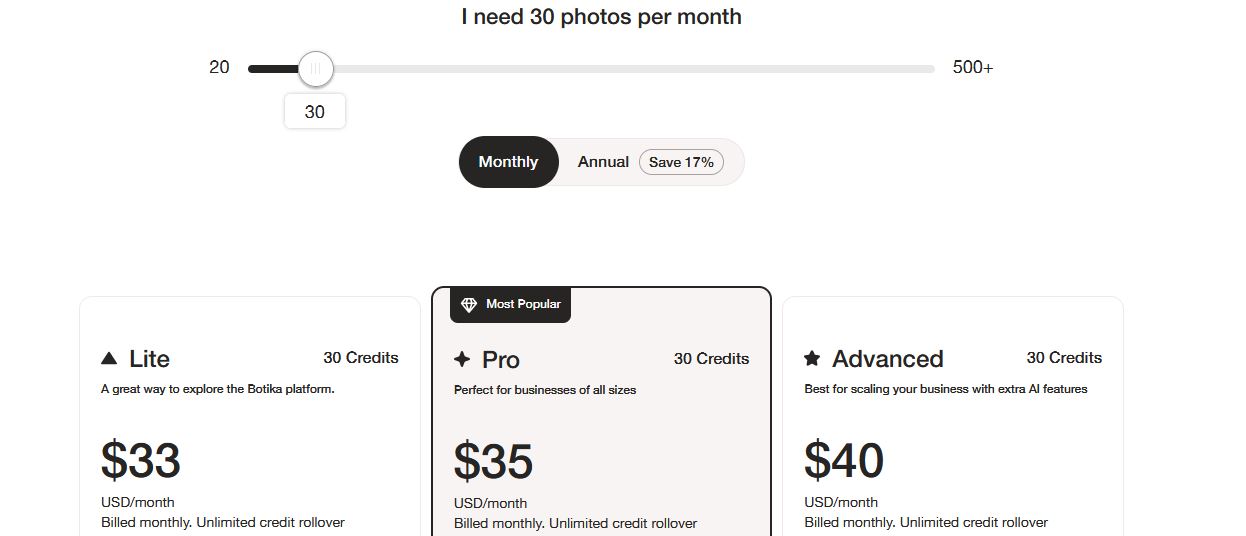
Verdict: I can't really make a verdict, because the website didn't work for me and I was not able to generate an image, so I can't review the quality of the images. From the info that I do have 5+ minutes per generation and $1 per generation cost, this service looks very slow and expensive to me. It could be interesting for companies who want to upload images select models and background and get photos without much hassle, but this only works if the service actually delivers.
3. Modelia.ai
The AI fashion model generator that says it will bring your products to life. They have various options like change models poses of an image you already have, turn flat product photos into realistic model photos, change the model of the photos you have, put a hat on a model, put shoes on a model. There are various options available.
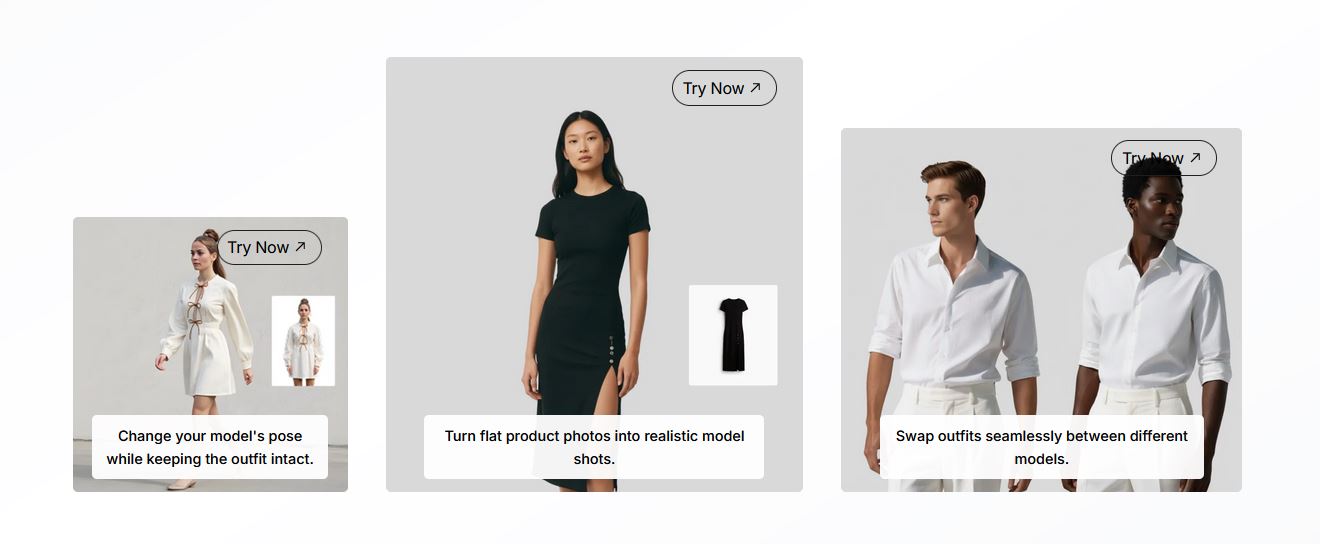
Process: For the test, I uploaded the grey t-shirt and then wrong a description of the jeans I want to pair it with and the background. You can choose from present models, or create your own that you can save for repeated use as well
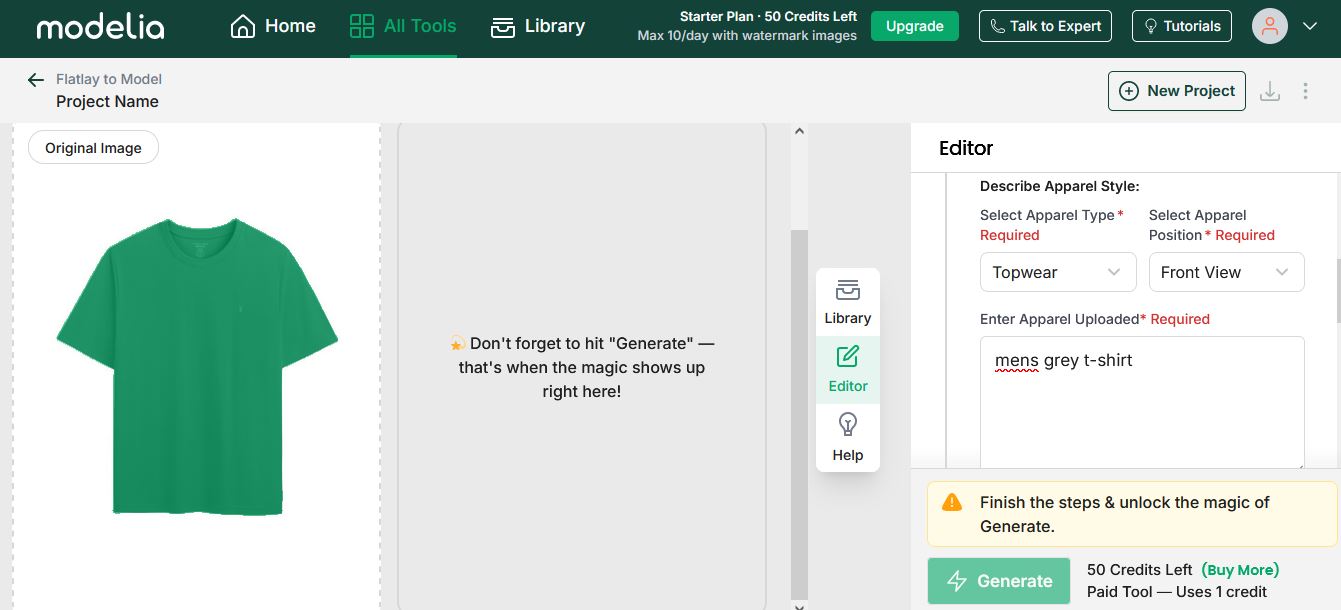
Controls: You can select the aspect ratio and the number of images you want to, and write a prompts for the items in the images. I would say the controls are not bad.
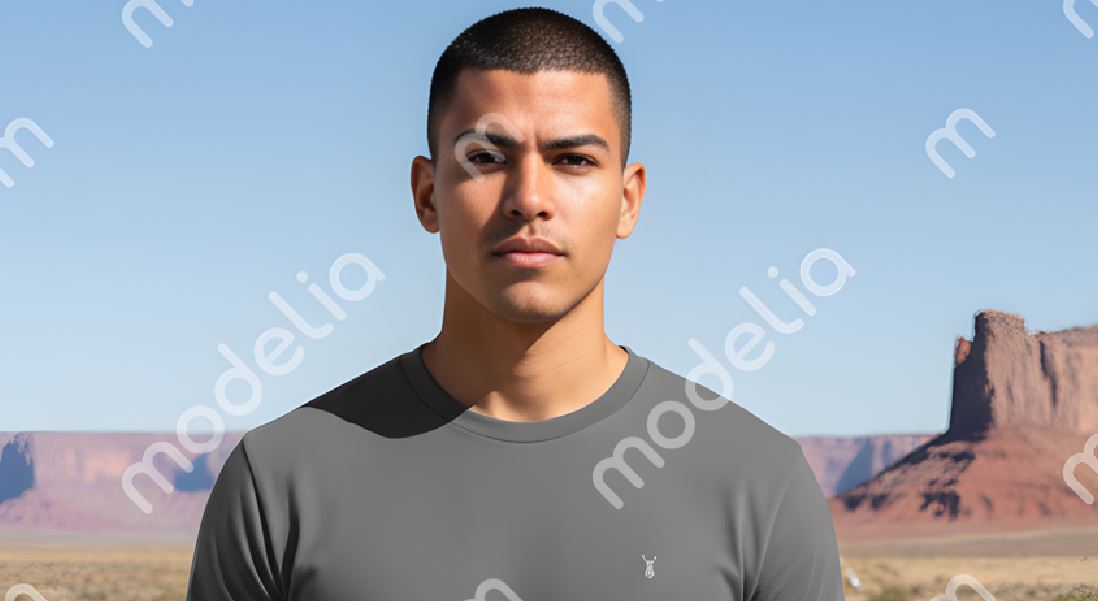
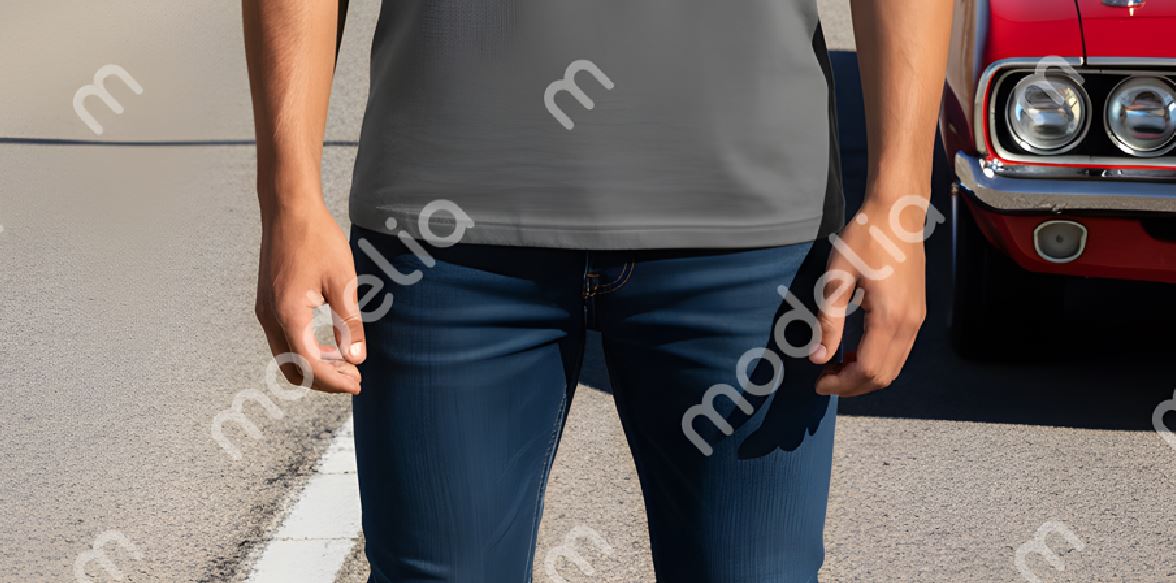
Prompt: I created my own model and for background the in prompt used "desert highway next to vintage car"
Result:
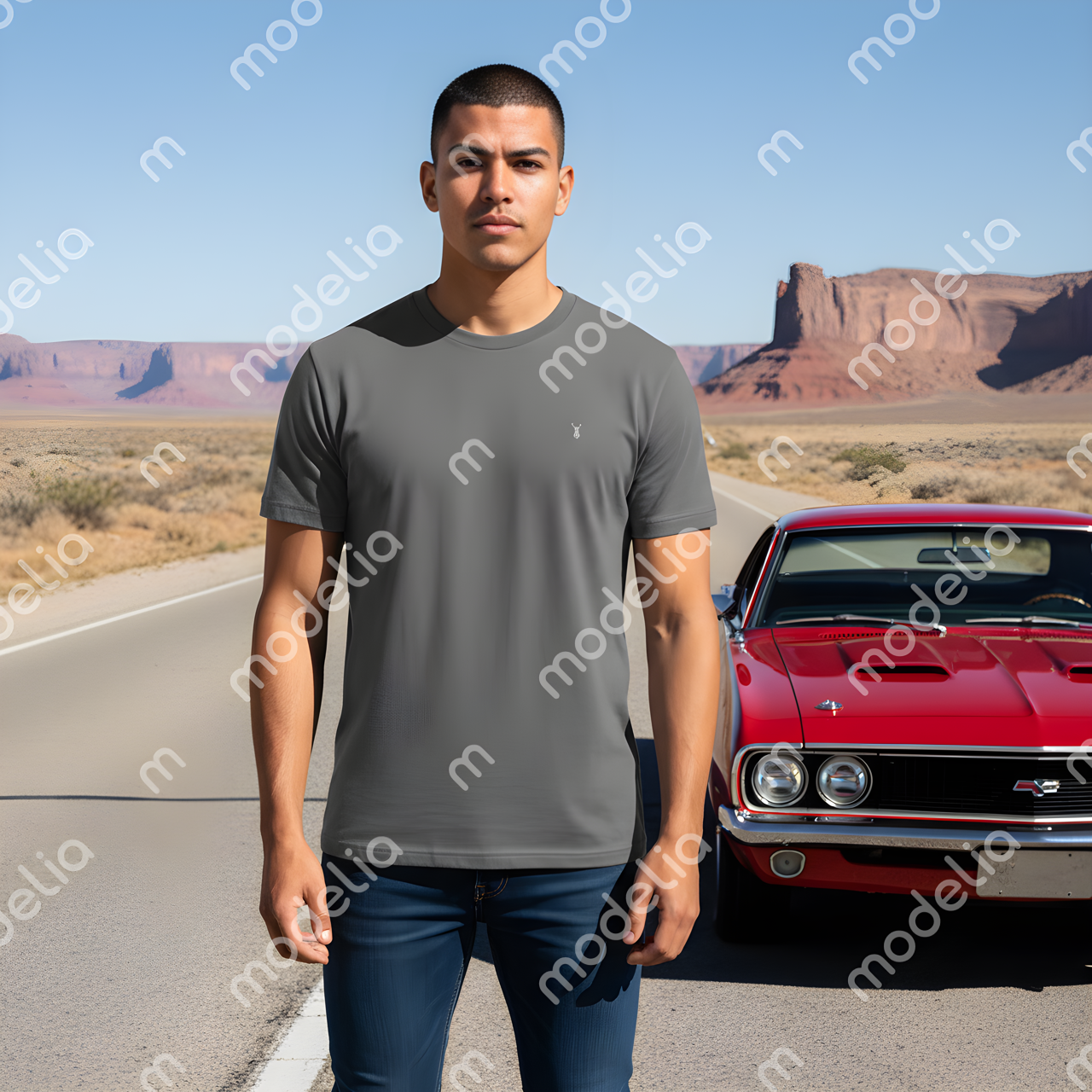
The image looks pretty good, but the textures could be better, especially on the clothing and skin.
Pricing: Modelia.ai has a free trial option (what I used). Then the price per generation is around $0.10/generation for subscription models and a little mode expensive for the pay as you go option.
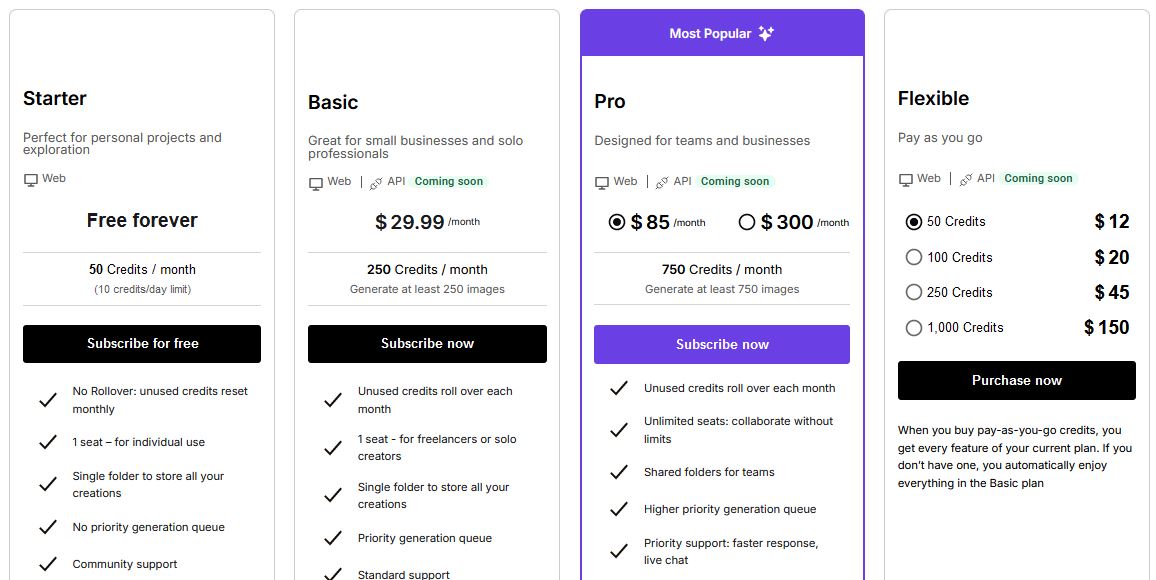
Verdict: I actually like this service. It is a mix between template based and a customizable options service. If you try more complicated background, the generator leaves random blurred spots all over the image, which is a little weird. I didnt go in depth trygin to write more complicated prompts, but it creates different images with the same prompt. Even for social media, this is something that can be used, if you don't care too much about people zooming into the image, it is fine. While for this price you can get much better image quality per generation, I think the ease of use of Modelia actually makes this service very useful for people who want to use AI, but don't want to spend too much time learning about it.
If you are interested in creating ai lifestyle images, but don't want to learn how to write prompts and tweak images, you can hire us to help you. Learn more about our ai product lifestyle photography service.
4. WeShopAI
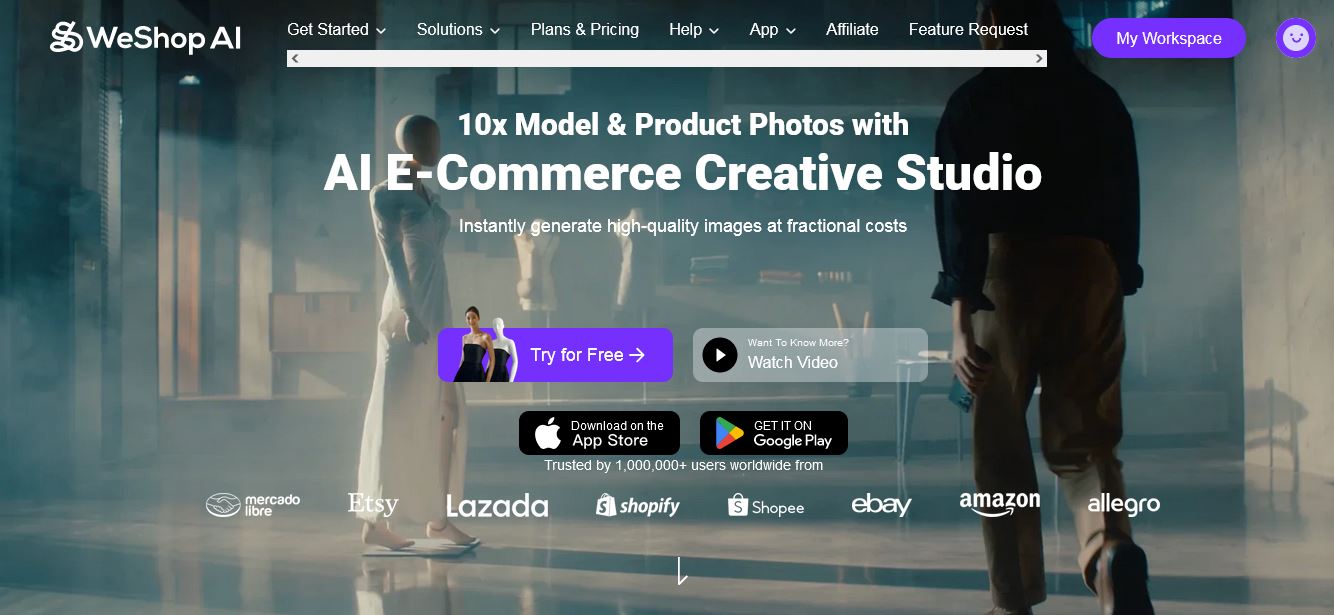
Next we have a look at a company that brands itself as the "AI e-commerce creative studio", weshop.ai. This company has many options on their platform from AI video, to AI Product images, AI Color changes, AI Background removal, even pregnant AI. In each tab, you can see "Best Examples" of results achieved using the tool. Let's try it.
Process: For the test, I again uploaded the grey t-shirt. I was presented a ton of options for the model and chose one male model. Then I was taken to a menu to select the background and there was an option to write a prompt, which I did, I used the original prompt for this experiment.
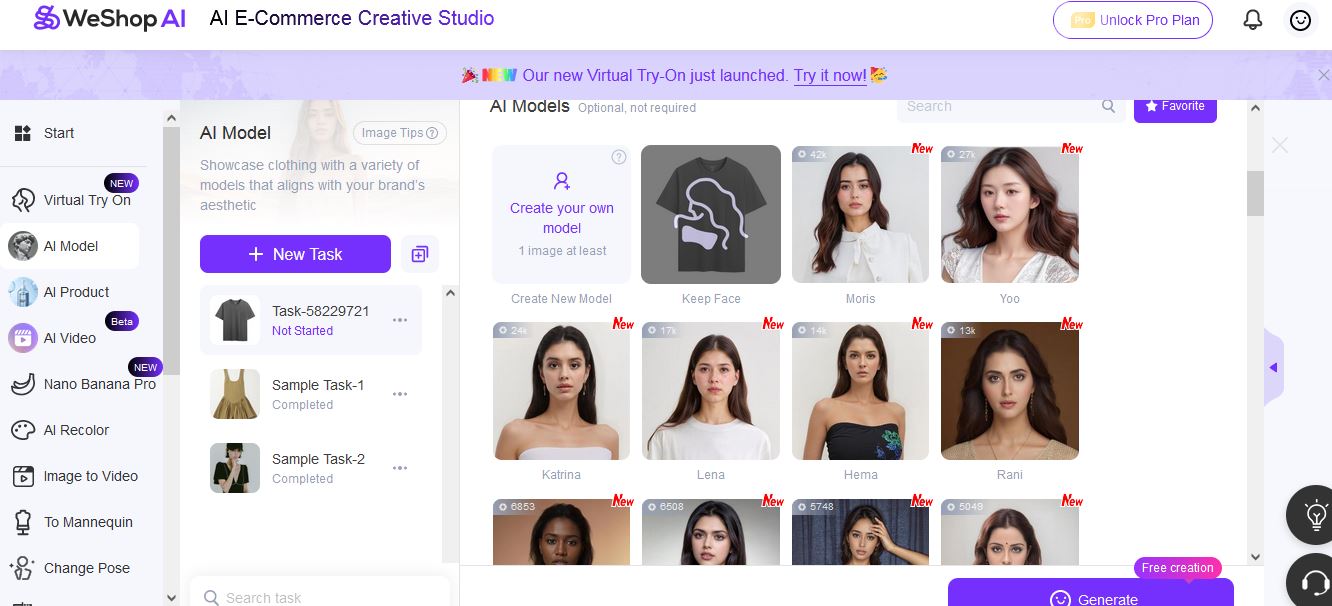
Controls: You can choose a model from the ones available, create your own model, create or select a background and write a prompt.
Prompt: I chose the "ubran concrete warehouse" with my prompt "photo of man wearing t-shirt and jeans in the desert highway next to his car"
Result:
Sadly, the free version of this service, didn't let me see a higher resolution image, only the very low resolution one below, which makes it hard to see any details. I don't like that the hair and hat were replicated from the background I selected, even though the model I selected didn't have long hair or the hat. Otherwise, the image looks decent enough at first glance, but without zooming in, there is nothing much to talk about.
I did scroll through the AI product options they have, and it also seems that you select a background and upload your product photo, then the AI changes your product into the background photo. However, I noticed that unless the product is the same type and original lighting fits the background image, the resulting images look like a bad retouch job on stock photo, there is no lighting adjustment. So this is quite outdated, there are much better results possible with a more involved approach. AI product photo is a whole different topic that we will look at in more detail in another article.
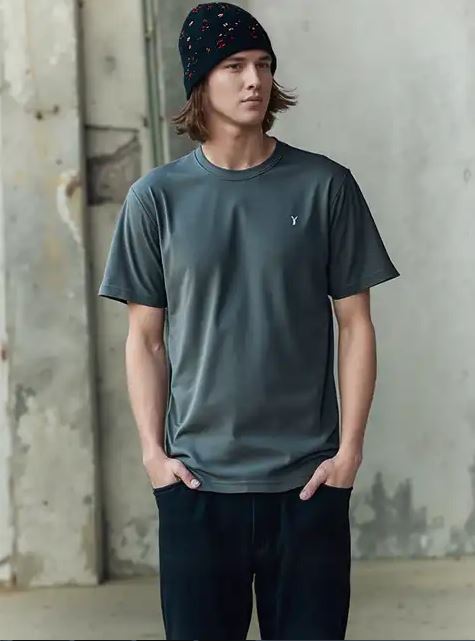
Pricing: Weshop.ai has a free trial option (what I used). Then they have some sort of point system, but I didn't understand how many points a generation costs, so I can't comment on the pricing. If a generation only costs one point, then the service is very cheap.
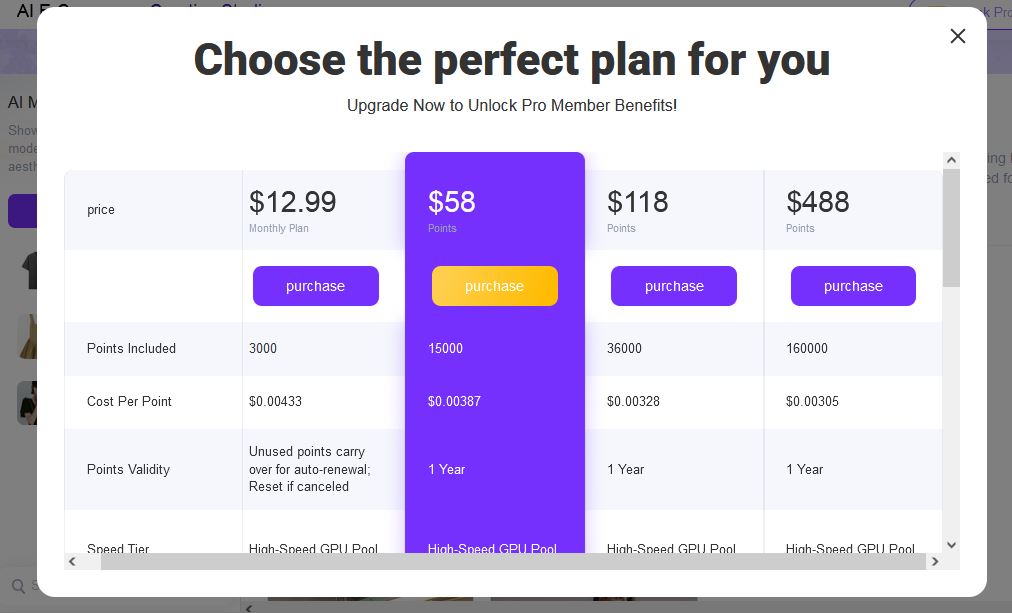
Verdict: I this this is a fun service that allows people with little to none image editing and creation experience to play with different options, see their product in different settings, try it on models, and even generate some on-model image. This service is simple and straight-forward. The results may not be fantastic, but fantastic is not what everyone is looking for.
If you are interested in creating ai lifestyle images, but don't want to learn how to write prompts and tweak images, you can hire 360Refinery to help you with a customized approach to AI image generation. Learn more about our ai product lifestyle photography service.
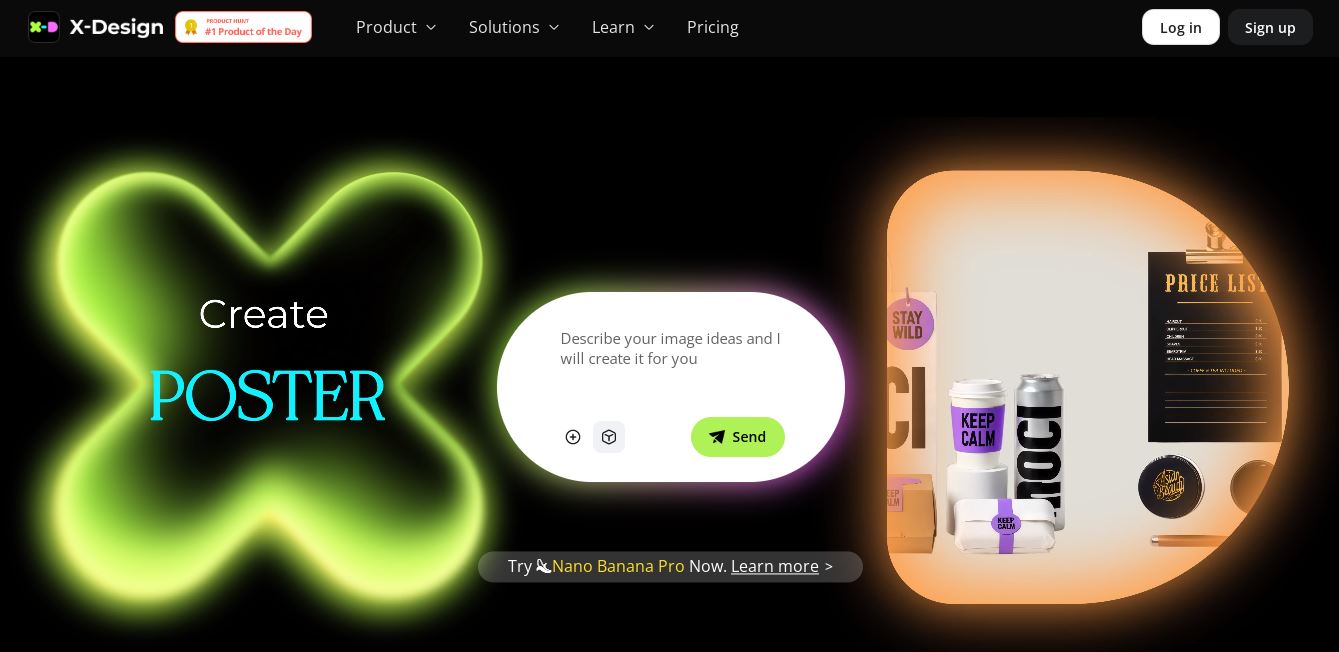
5. X-Design
Next we have a look at a company that brands itself as the "AI e-commerce creative studio", weshop.ai. This company has many options on their platform from AI video, to AI Product images, AI Color changes, AI Background removal, even pregnant AI. In each tab, you can see "Best Examples" of results achieved using the tool. Let's try it.
Process: For the test, I again uploaded the grey t-shirt. I was presented a ton of options for the model and chose one male model. Then I was taken to a menu to select the background and there was an option to write a prompt, which I did, I used the original prompt for this experiment.
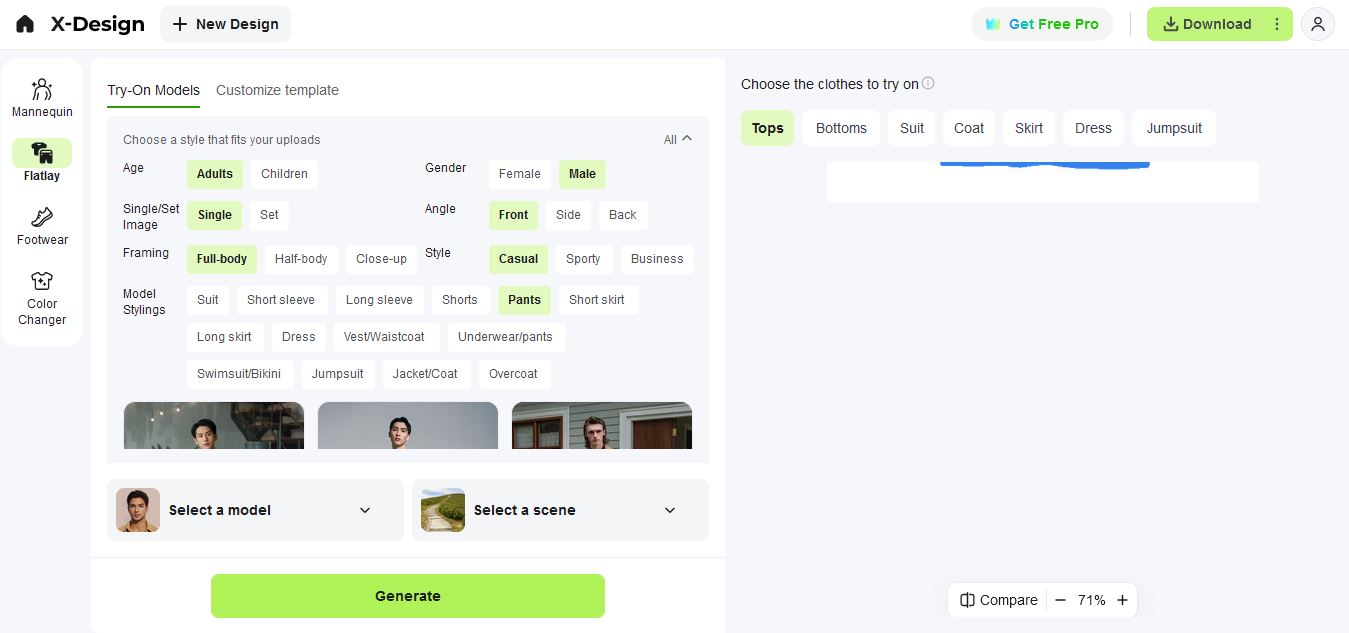
Controls: You can choose a model from the ones available, create your own model, create or select a background and write a prompt.
Prompt: I chose the "ubran concrete warehouse" with my prompt "photo of man wearing t-shirt and jeans in the desert highway next to his car"
Result:
Sadly, the free version of this service, didn't let me see a higher resolution image, only the very low resolution one below, which makes it hard to see any details. I don't like that the hair and hat were replicated from the background I selected, even though the model I selected didn't have long hair or the hat. Otherwise, the image looks decent enough at first glance, but without zooming in, there is nothing much to talk about.
I did scroll through the AI product options they have, and it also seems that you select a background and upload your product photo, then the AI changes your product into the background photo. However, I noticed that unless the product is the same type and original lighting fits the background image, the resulting images look like a bad retouch job on stock photo, there is no lighting adjustment. So this is quite outdated, there are much better results possible with a more involved approach. AI product photo is a whole different topic that we will look at in more detail in another article.

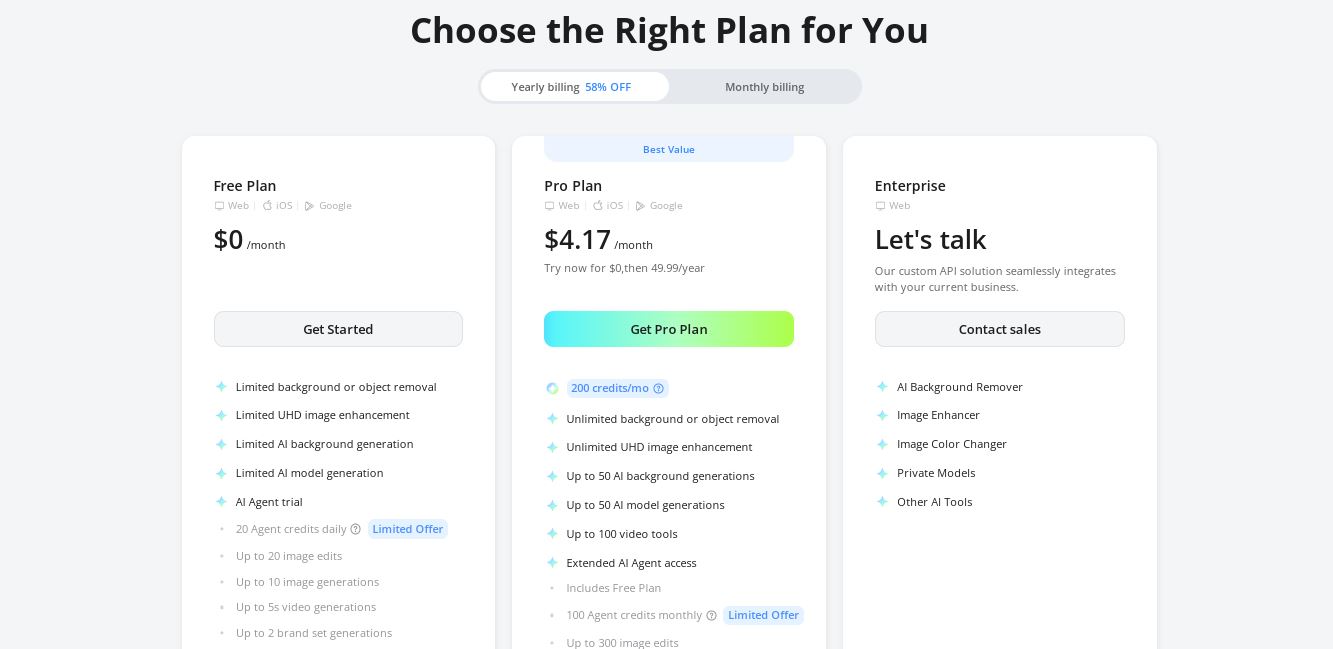
Pricing: Weshop.ai has a free trial option (what I used). Then they have some sort of point system, but I didn't understand how many points a generation costs, so I can't comment on the pricing. If a generation only costs one point, then the service is very cheap.
Verdict: I this this is a fun service that allows people with little to none image editing and creation experience to play with different options, see their product in different settings, try it on models, and even generate some on-model image. This service is simple and straight-forward. The results may not be fantastic, but fantastic is not what everyone is looking for.
If you are interested in creating ai lifestyle images, but don't want to learn how to write prompts and tweak images, you can hire 360Refinery to help you with a customized approach to AI image generation. Learn more about our ai product lifestyle photography service.